CRM Outlook Client 2011 on a Windows Server 2012?
In some scenario's you might want to install the CRM Outlook Connector for Microsoft Dynamics CRM 2011 on a server which is newer than the Implementation Guide mentions as supported operating systems.
When trying to do so, you'll quickly find yourself facing the following scenario:


 The error message is:
The installation has failed. The computer is running an operating system that Microsoft Dynamics CRM does not support. To install this product, you must upgrade your computer to a supported operating system.
Interesting, because you actually need to degrade your computer. However, the next trick will allow you to install the Outlook client after all. Use the properties on the setup file and let Windows figure out the compatibility mode and 'test' the program. This will allow the setup to run and install the add-in.
Please note that I don't recommend this approach as Microsoft may make any update in the future which causes the Outlook Client to have issues.
Here's the process in screenshots:


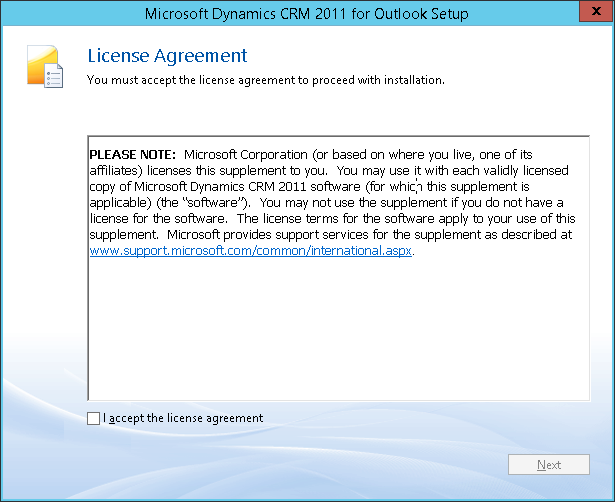


Note: when the install doesn't want to pass the Windows Update, then have a look if there's a popup open somewhere started by the Windows Update. This could be an update rollup or any other update that needs your attention as well.
Good luck!


1 comment:
This post is likeable, and your blog is very interesting, congratulations :-)
Post a Comment